Everyday expenses
Keep track of purchases across multiple currencies.
 Wisp FinanceBeta
Make sense of everyday spending. Keep expenses, budgets and savings goals in one private Android app.
Made for Android. Part of Wisp.
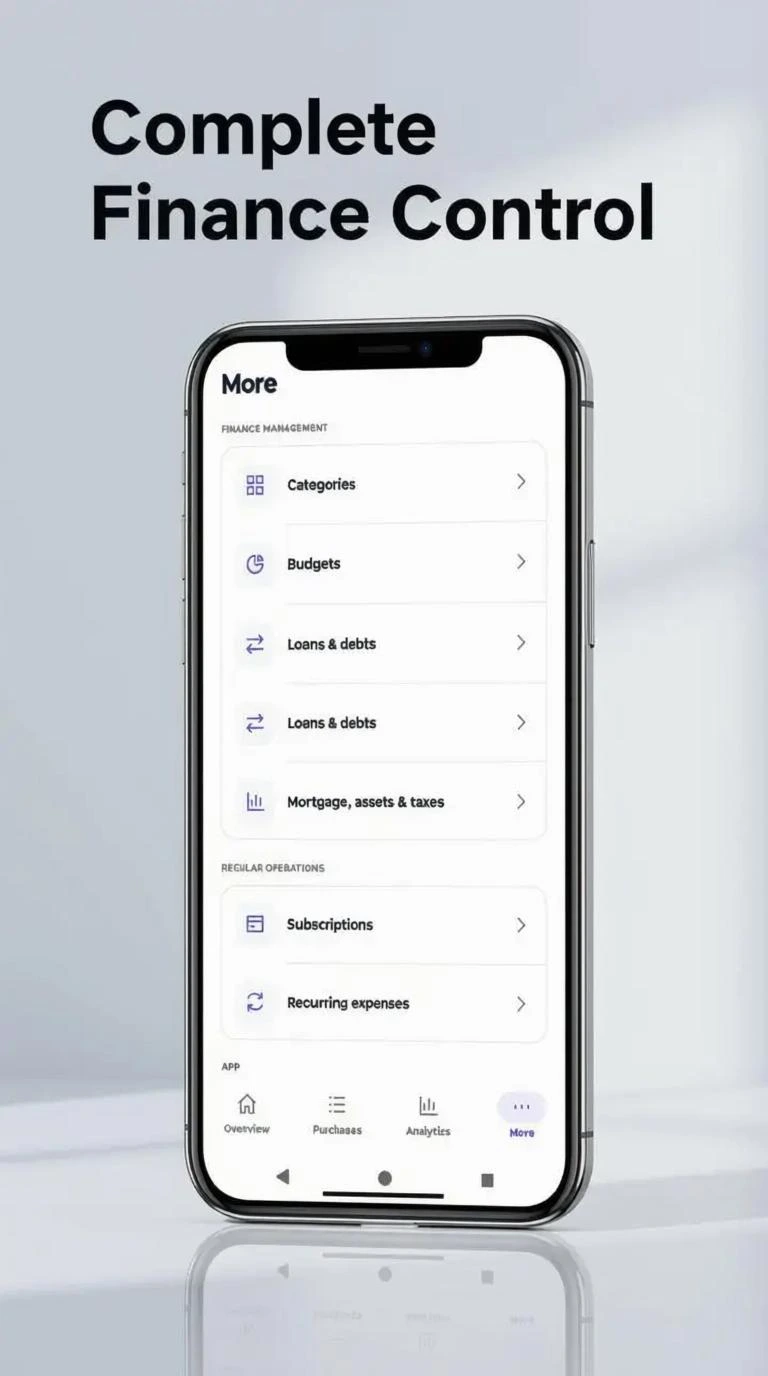
LESS FRICTION. MORE FOCUS.
Keep track of purchases across multiple currencies.
Bring budgets and savings goals into view.
See your spending more clearly with useful statistics.
WHAT’S UNDER THE HOOD
What you can do with Wisp Finance, and how your data is handled.
Everyday money, in one place
Record everyday expenses and organize them into categories. Keep your spending history together so individual purchases are easier to understand.
Plan spending with budgets and track money set aside for your goals. Keep day-to-day decisions connected to longer-term plans.
Manage recurring expenses and subscriptions alongside other spending, so regular commitments have a place in your financial overview.
Look beyond individual purchases
Keep records of financial obligations alongside everyday expenses, including loans, debts and mortgages.
Organize investment, cryptocurrency and tax-related records as part of your wider financial picture. These tools help you track information; they do not replace financial or tax advice.
Use financial calculators and spending insights to explore your numbers and understand patterns in your records.
Your settings. Your storage.
Choose your currency during setup. It is not inferred from your country or interface language. Change language and currency independently, with support for ten interface languages.
Use a light or dark interface and configure reminders in the app. Android notification delivery depends on the permissions and settings on your device.
Create encrypted backups and restore them using the matching recovery phrase. Restoration requires both the backup file and the phrase; neither replaces the other.
Connect your own Nextcloud storage through HTTPS WebDAV for the app’s backup and synchronization workflow. Your cloud account and recovery phrase serve different purposes.
Finance stores its working database in private app storage. The recovery phrase protects backups; it does not encrypt that working database. Android device security remains important.
A CLOSER LOOK
Explore Wisp Finance, one screen at a time.


PART OF SOMETHING PERSONAL
Wisp builds everyday tools around privacy and local control.
Why Wisp is private